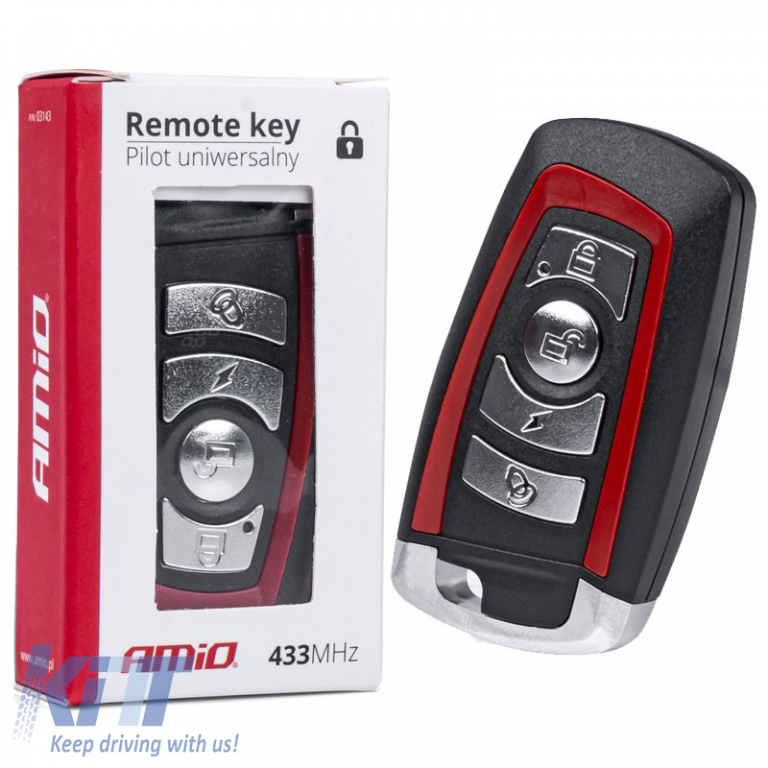
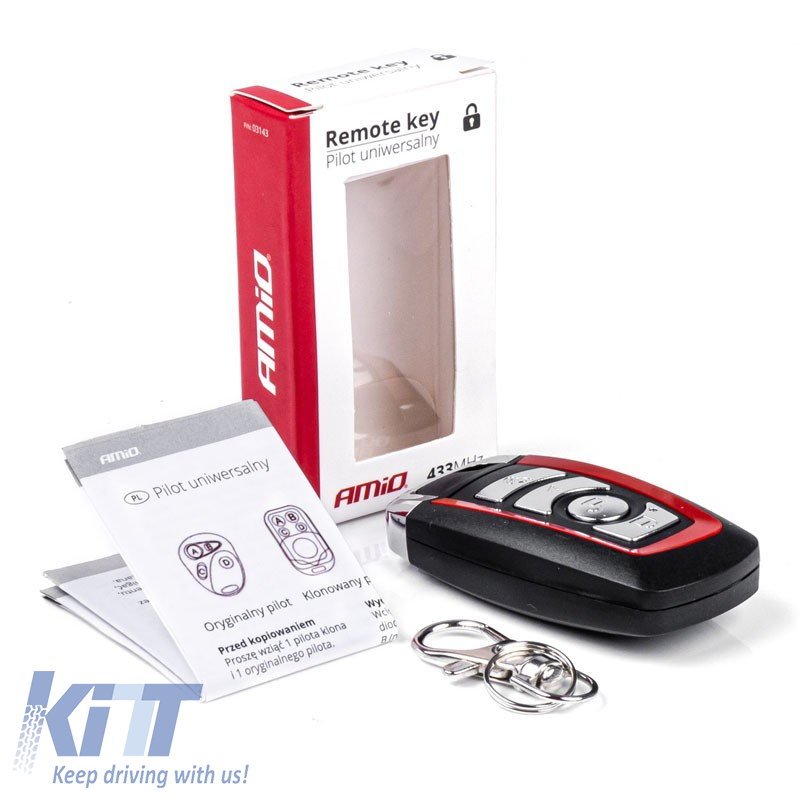
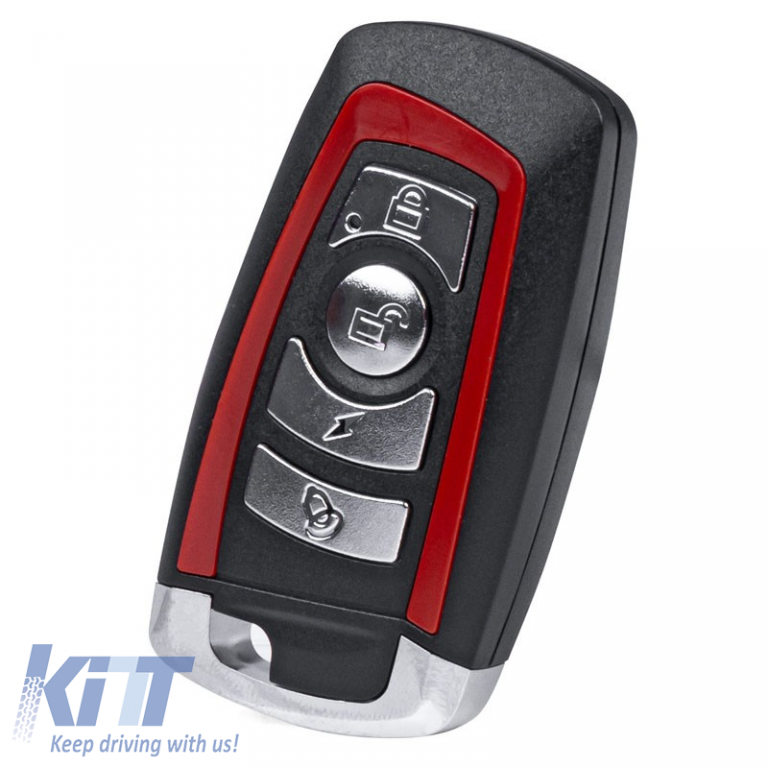
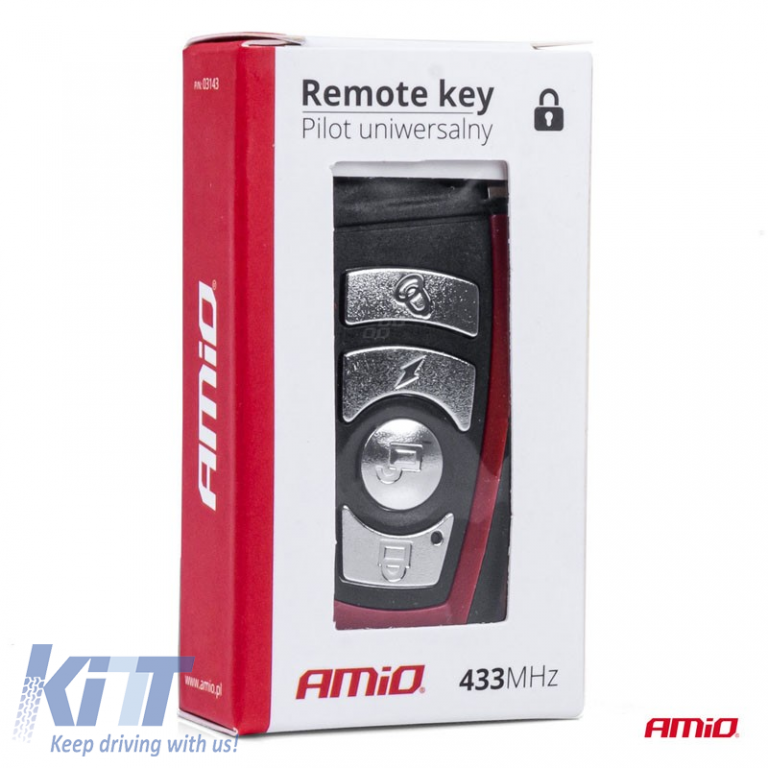
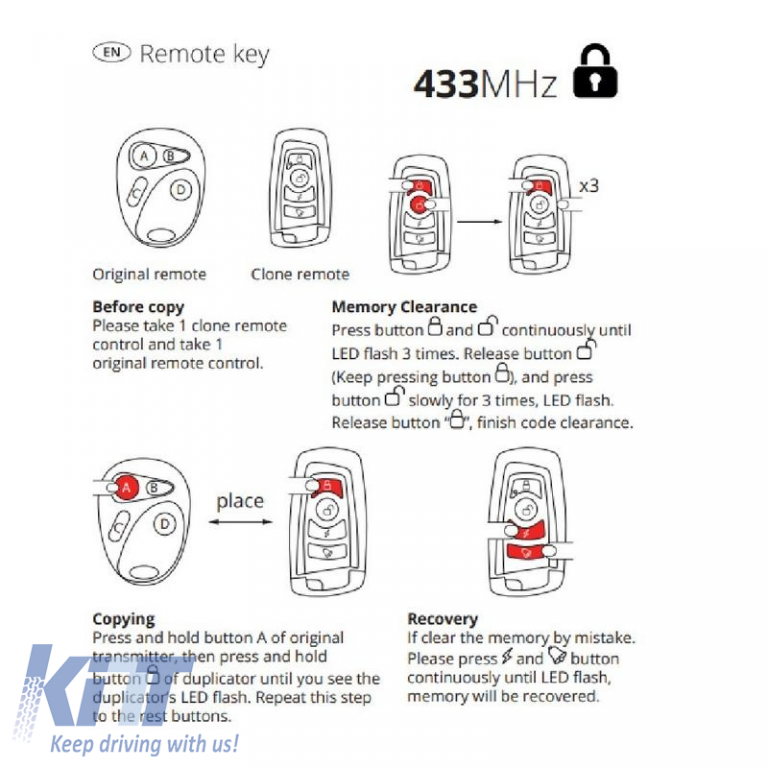
Universal Remote Control With 4 Buttons 433MHz Amio 03143 Original remote control Before copying Take 1 Clone Remote check and download 1 original remote control. Copy Press and hold the original's A button transmitter, then press and hold copy button until you see it copier LED flash. Repeat this step on the other buttons. Recovery If you delete the memory by mistake. Please also press the button continuously until the LED flashes, the memory will be reclaimed. Clear memory Press the button and continuously until LED flash 3 times. Release button (Keep pressing the button ) and press button slowly for 3 times, LED flash. Release the “ ” button, end the code clearing. • Operating voltage: DC3V-12V • Frequency: 433MHz/315MHz/ others optional • Operating current: ≤8mA • Working frequency: 433MHz • Configuration method: ASK (I AM) • Emission power: ≤10mW • Launch distance: 50 to 100m (evidence) • Encoding type: self-replicating (clone-replicating) • Operating temperature: -10o up to 50th PRODUCT PERFORMANCE: This product may copy the remote control with the below chip: 2260 (all constructions) 2262 (all constructions); PT2264, 5326 (all builds) SC5262, HT600, HT680, HT6207, HT6010, HT6012, HT6014, SMC918 series, 527 (all constructions) 1527 (all constructions); 2240 (all manufactures); HCS101, HCS200 / HCS201 (part code), HCS300 / HSC301 (part code), part MCU. If copying is not possible proper operation, you can you need to check if there is a encryption chip HCS chip in device or other encryption chips which cannot be copied. Note: If you press the remote control check but no indication light, don't worry, it is not damaged. Before shipping, any remote control will be squared. To solve this problem, you need to follow the steps below. PROGRAMMING FUNCTION: Reset the clear code: Press and hold the A and buttons B at the same time. Once it The LED blinks 3 times, release once of the two buttons and press 3 times consecutively. The LED flashes continuously to complete the reset. (If your remote it doesn't have A or B buttons, it just does press the top two buttons to lock or unlock the key.) Copy the code: One hand holds the original remote control, he holds the other the copy remote, the two remote controls should be as close as possible, (ideally the two remotes should to be placed on the desktop next to distance) press the desired copy button. The The LED blinks 3 times quickly, then flashes quickly and then turns off for 1-2 seconds (don't put your hands on this time), the long LED light indicates successful copy, and the other basic function the methods are the same. Some remote controls have low transmission power, so the genuine remote control and the copy remote control they should work back to back to copy. In some mode environments where it exists interference, the interference operation should be avoided. If copy is not easy to use, copy and again after clearing the code. Recovery Code: If you reset the code that copied and want to restore, press the C and D buttons (or the two buttons at the bottom) until the LED is flashing. NOTE: 1. If the light is off or the remote control the control distance is short, please check if it the battery has sufficient power. If the power is insufficient, replace the battery in time. 2. If the operation is correct, this can be used directly. If not, or individual buttons are useless, go clean and copy again, be careful when changing the lamp during the operation. If the The problem persists after several attempts, please check the chip and its frequency the original remote control again and contact us. WARRANTY DESCRIPTION: 1. This product is guaranteed for one year from its date Buy 2. Abnormal use during warranty period, damage caused by irresistible factors such as human factors and natural disasters are not covered by the warranty. P/N:03143 3. Failure caused by decay - bly, assembly and modification - without her permission our company is not covered from the guarantee. 4. For defective products they make do not meet the warranty conditions - logically, our company will charge a certain amount material costs and maintenance - financial expenses. 5. The card and shopping voucher must be presented during the warranty period. 6. This card is for personal use only, if lost, the alteration is void and the transfer is Invalid. When you find it the purchased product is defective, contact lo - telephone agent for warranty
Product Info Color: Black/Red Number of Pieces: 1 Piece Universal | Universal | Universal
For more information please contact us on Whatsapp (left menu green button)
We recommend
Other visitors were also interested in
Recently viewed products
Recently viewed products
Frequently Asked Questions×
Please click on a topic above for quick answers, or feel free to type a message to start a conversation with one of our (human) sales team members.
Stay informed
Be the first to find out what`s new at KITT
Thank you for your interest in our newsletter.
Follow us:
Want a more detailed offer? Enter the make and model of your car!