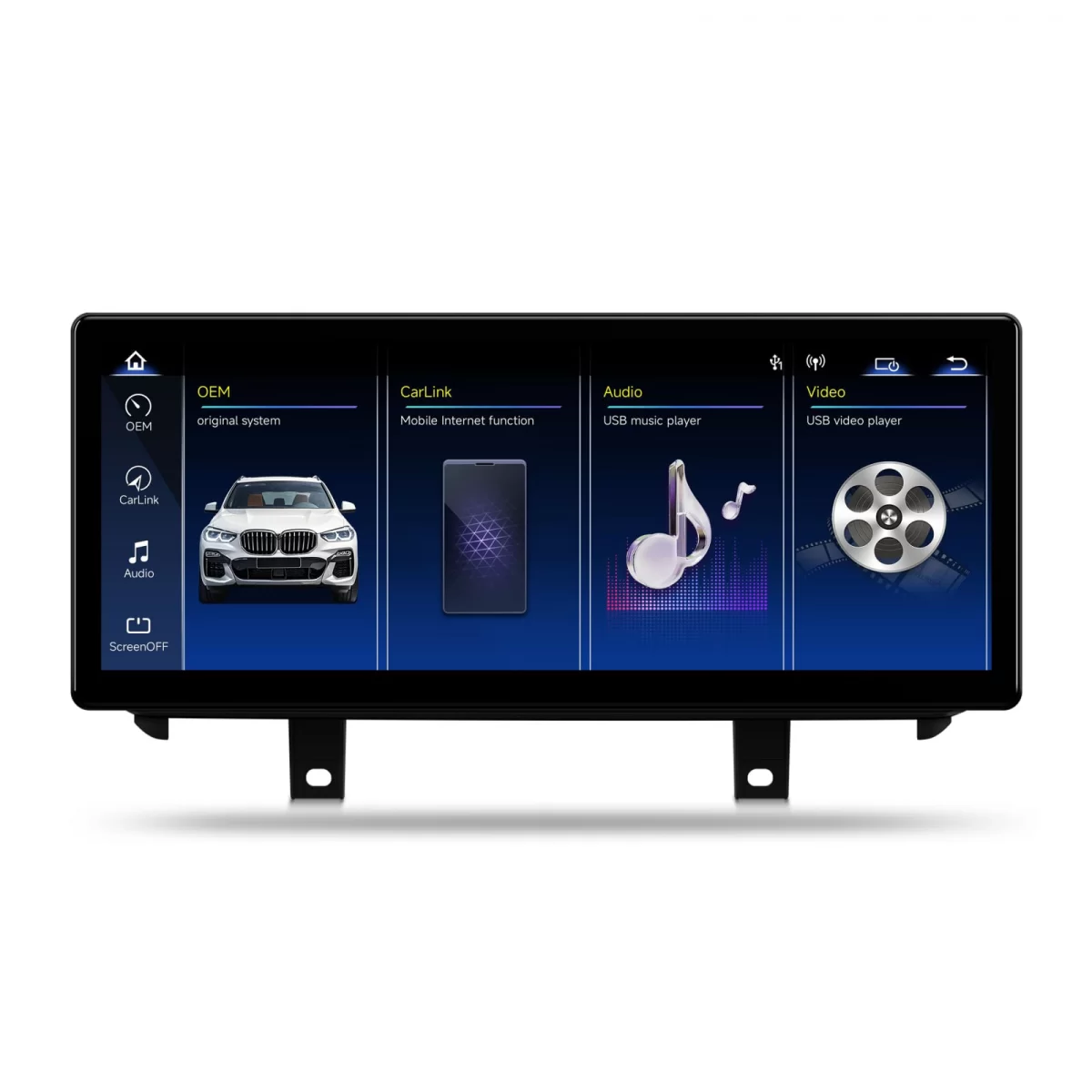
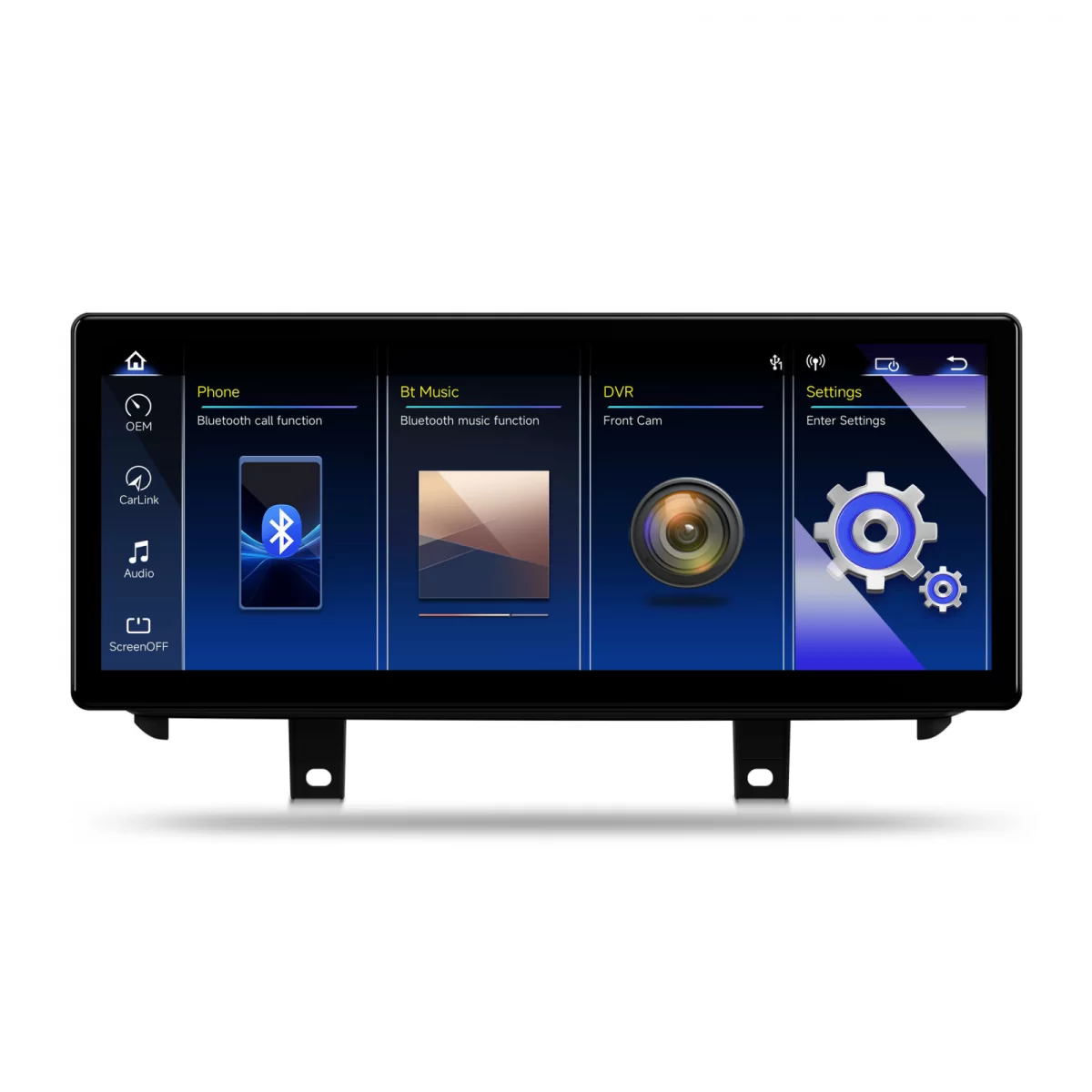
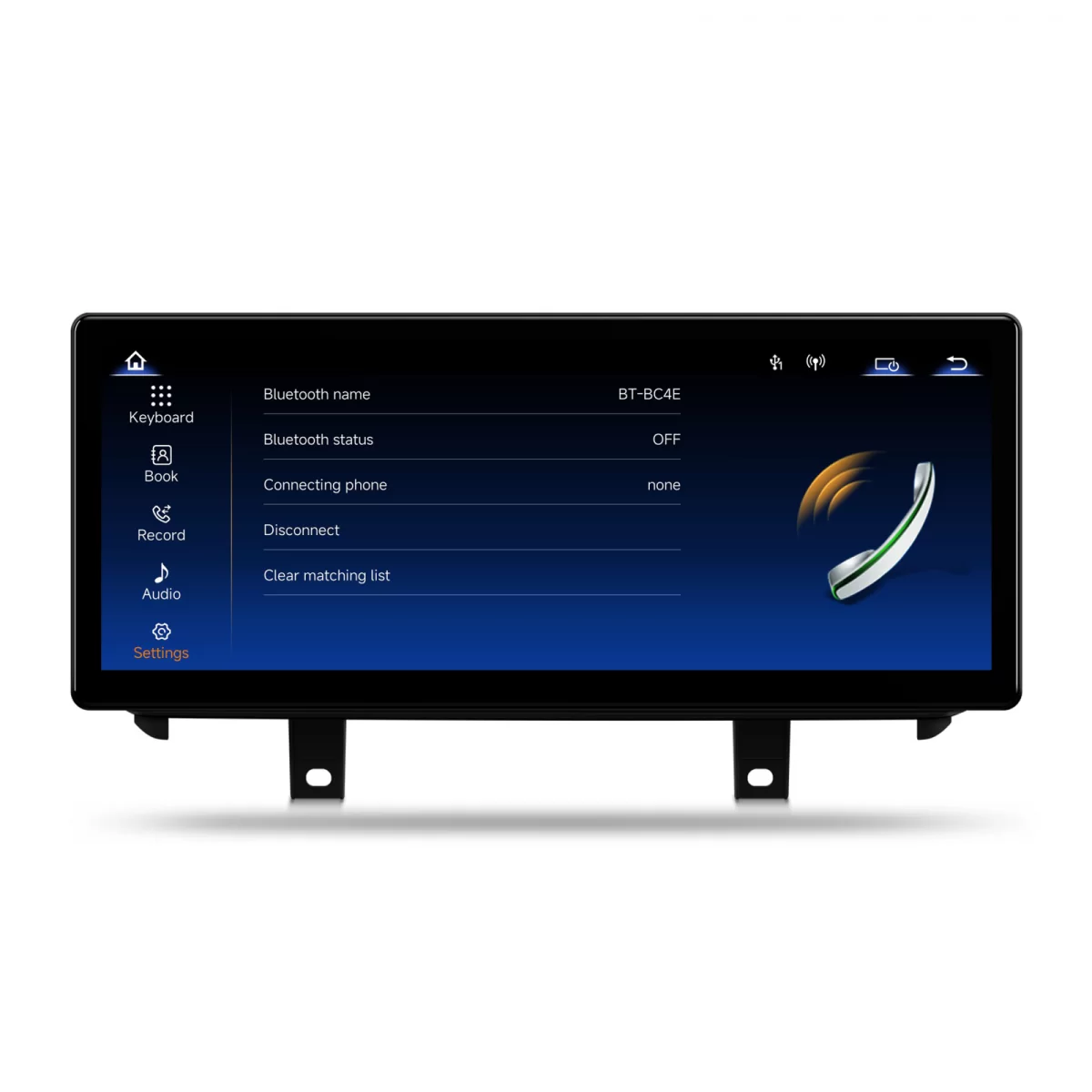
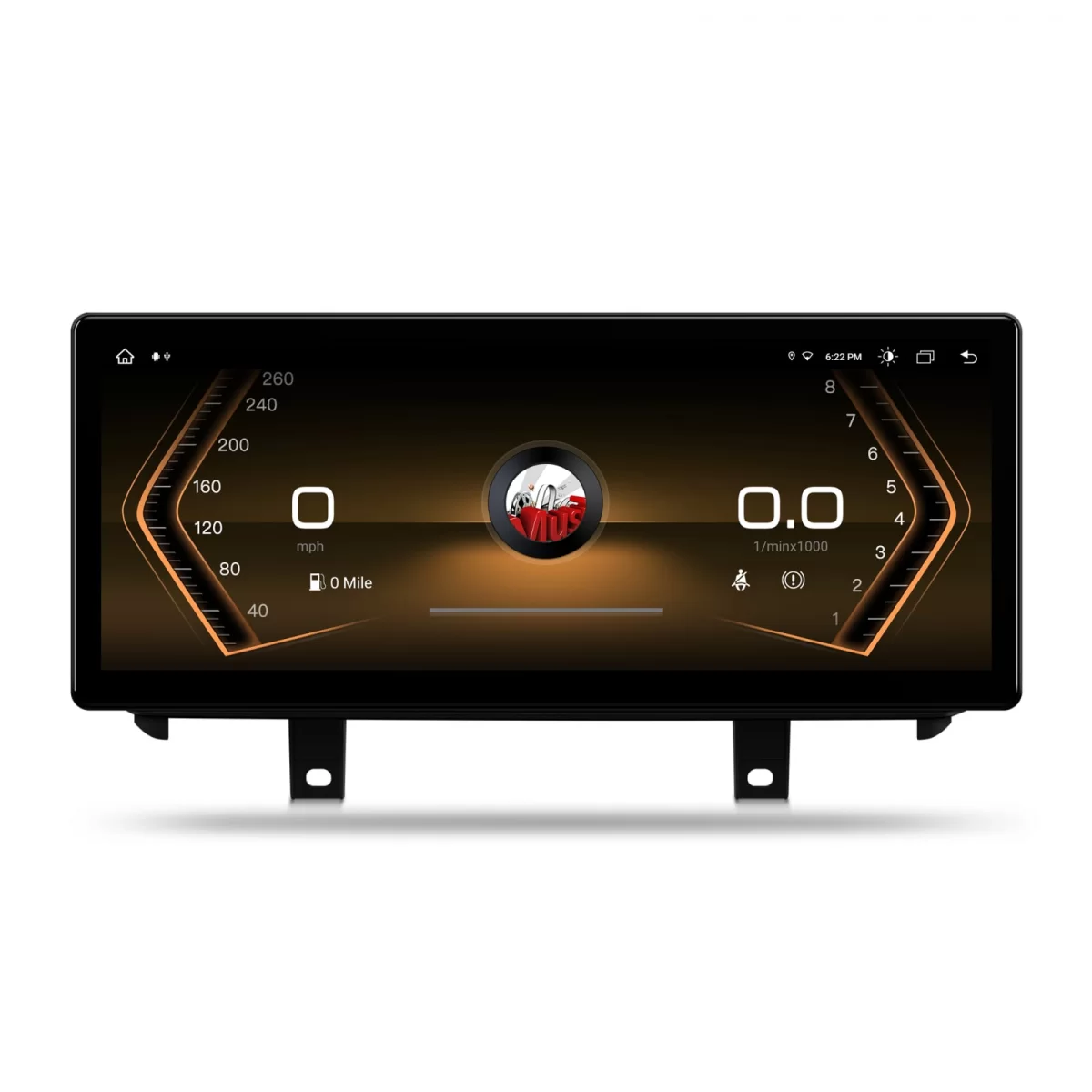
Special for BMW X6 F16 (2017-2019) Dedicated navigation BMW X6 F16 EVO Multimedia system Linux with QLED screen 2400 — 900, diagonal 12.3 inches. Apple CarPlay, Android Auto, Bluetooth, Miracast, OEM integration and AHD 1080p rearview camera, specially designed for BMW X6 F16 (2017-2019) equipped with EVO system. Dedicated compatibility: BMW X6 F16 (2017-2019) original EVO system BMW X6 F16 (2017-2019) EVO System OEM Integration Plug Play Linux System Created for the dashboard of BMW X6 F16 (2017-2019) It fits OEM in your car. The shape, frame, and connections are adapted for BMW X6 F16 (2017-2019) with EVO system. The system maintains a close appearance to the original equipment of new models and integrates cleanly into the dashboard. Stability. Security. Connectivity. LINUX SYSTEM Optimized operating system for fast boot, stable operation, and easy access to essential connectivity and multimedia functions on BMW X6 F16 (2017-2019) with EVO. QLED Resolution 2400 — 900 The QLED screen offers clear text, vibrant colors, and a generous workspace, ideal for navigation, calls, and multimedia control. Smartphone Connectivity APPLE CARPLAY Connect your iPhone for maps, music, calls, and messages in a driving-optimized interface. The naturalness of the iOS system, right in your car. ANDROID AUTO Use compatible apps from your Android phone directly on the multimedia system screen. No longer dependent on your phone, you have all the apps on the screen, functional. Audio Connectivity BLUETOOTH Play music from your phone and take calls hands-free. You can use the phonebook and phone features directly from the multimedia system screen. Parking Assistance REARVIEW CAMERA If the car does not have the original camera, you have a high-quality AHD 1080p camera included in the package. And if the car has the original camera or factory 360 cameras, our system will take over the cameras without any problem. Dedicated integration for BMW X6 F16 (2017-2019) OEM EVO INTEGRATION System specially designed for BMW X6 F16 (2017-2019) equipped with EVO system, maintaining a clean appearance and usage close to the original system. PLUG PLAY Dedicated installation for BMW X6 F16 EVO, with compatible connectors and integration without unnecessary modifications to the original installation. OEM EVO INTEGRATION Design adapted to the BMW X6 F16 dashboard and operation thought out for a coherent experience with the original EVO system. Complete Kit What does the package contain? The kit is delivered complete and includes all necessary components for installation on BMW X6 F16 (2017-2019). Multimedia tablet Dedicated frame Rearview camera DVR camera Dedicated wiring Electronic user manual Warranty certificate Main specifications Dedicated configuration for BMW X6 F16 (2017-2019) with original EVO system Car model BMW X6 F16 (2017-2019) Original system EVO Operating system Linux System Resolution 2400 — 900 px Display technology QLED Apple CarPlay Yes iOS Wired and Wireless Android Auto Yes Android Wired and Wireless Bluetooth Music, calls, and phonebook Rearview camera Compatible aftermarket + original Screen mirroring Miracast USB ports 2 — USB Boot Fastboot Installation Plug Play, no wire cutting Mounting kit included Yes dedicated frame for BMW X6 F16 Compatibility BMW X6 F16 (2017-2019) EVO Warranty 2 years Things to know before ordering The Linux system does not allow the installation of applications - it works exclusively through CarPlay, Android Auto, and MirrorLink. Control of the car interface remains on the iDrive controller and steering wheel controls; touch is for the Linux screen. The sound is transmitted through the USB connection of the original system. Please confirm the version (EVO) and the exact year of the car before purchase - we offer free technical support. Identifying the original system What version do you have? Compare the original menu and the connector behind the unit with the images below. The two references help you choose the correct product version before ordering. Important: iDrive is the general name for the BMW multimedia system. CCC, CIC, NBT, and EVO are different generations. Some cars are not equipped with iDrive at all and use Business or Professional radio. 01 Without iDrive The car does not have a navigation system or multimedia screen from the factory (does not have iDrive controller between the seats), usually has Business or Professional radio. For these cars, the dedicated system is delivered with an aftermarket iDrive controller for complete control and an experience as close to the original as possible. Business Professional Menu dashboard Original connector 02 CCC Early iDrive generation, with a simple interface and graphics specific to older models. Check both the menu appearance and the connector configuration. Car menu Original connector 03 CIC A more modern and faster interface than CCC. The menu, controller, and connections are different, so both photos must be compared. Car menu Original connector 04 NBT iDrive generation with updated graphics and smoother operation. Compare the menu appearance and the unit connector before choosing the version. Car menu Original connector 05 EVO ID4 The first version of the EVO generation, with a different interface and animations compared to NBT. Check the menu and connector before ordering. Car menu Original connector 06 EVO ID5 EVO version with a newer visual interface and specific ID5 menu. Compare both images for correct identification. Car menu Original connector Do you have an EVO system? It doesn't matter if your car has EVO ID4 or EVO ID5, the Autodrop product for EVO is suitable for both configurations. Regardless of the factory EVO version, the system fits. Not sure what system you have? Send us a photo of the dashboard, the original menu, the iDrive controller, if available, and the connector behind the unit. We check compatibility before ordering and help you choose the correct version. Frequently Asked Questions FAQ Do I need to cut wires or modify the original installation? No. The system is installed Plug Play, with dedicated connectors that connect directly to the original installation of the car. It does not require cutting wires, soldering, or permanent modifications. If you wish, you can always return to the original system. Does the original BMW menu and iDrive still work? Yes. The iDrive controller, steering wheel controls, and original menu remain 100% functional. You can switch at any time between the Linux system and the original factory system. How does the sound work? The sound is transmitted through the USB connection of the original system. Can I install applications on the system? The Linux system does not allow the installation of applications. You access applications through CarPlay (iPhone), Android Auto (Android), or Miracast (screen mirroring). Thus, you can use Waze, Google Maps, Spotify, YouTube, Netflix, and any other compatible application directly from your phone. What happens to the original rearview camera? If the car has the original camera or factory 360 camera system, the system automatically takes them over, without modifications. If it does not have a camera, a high-quality AHD 1080p aftermarket camera is included in the package, which is easy to install. How long does installation take? Installation takes between 45 and 90 minutes, depending on the technician's experience. We recommend installation at an auto service, preferably a partner service specialized in multimedia systems. How do I know what version of the system I have in the car? Above you will find the section, "What version do you have?" with photographs for each type of system (CCC, CIC, NBT, EVO). Compare the original menu and the connector behind the unit with the images. If you are not sure, send us a photo and we will help you for free.
For more information please contact us on Whatsapp (left menu green button)
We recommend
Other visitors were also interested in
Recently viewed products
Recently viewed products
Frequently Asked Questions×
Please click on a topic above for quick answers, or feel free to type a message to start a conversation with one of our (human) sales team members.
Stay informed
Be the first to find out what`s new at KITT
Thank you for your interest in our newsletter.
Follow us:
Want a more detailed offer? Enter the make and model of your car!